
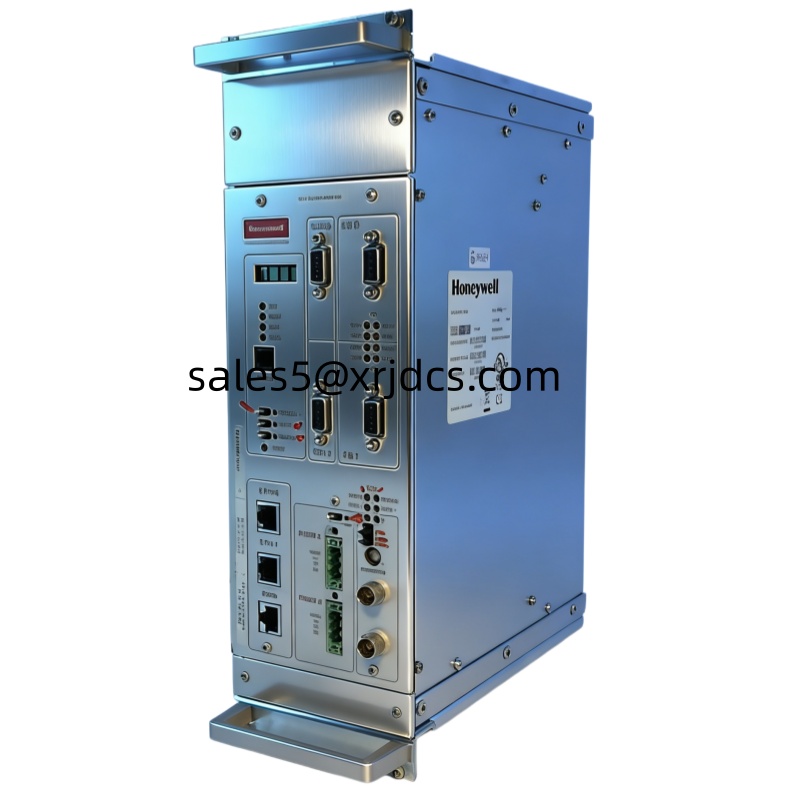
Honeywell FC-R/PB2/N/12 PUC Series BACnet Universal Controller | Intelligent Building Automation Solution
Product Overview
The Honeywell FC-R/PB2/N/12 is a standard BACnet controller within the Honeywell PUC series that supports BACnet MS/TP communication. As a core control device in the field of building automation, this controller provides flexible and efficient local control and I/O deployment capabilities. It is fully compatible with existing Honeywell systems and is widely used for intelligent control of various equipment in buildings. The controller’s hardware design integrates the core elements of user experience from the Honeywell controller family, embodying a people-oriented philosophy in both appearance and operation.
Key Advantages
Standard Protocol SupportDesigned based on the standard BACnet MS/TP protocol, it enables more flexible field deployment and monitoring and control of more devices, meeting the interoperability requirements of modern building automation systems.
Free Programming CapabilityThrough the embedded programming toolkit, free programming can be achieved, inheriting the style and functionality of existing tools with a more user-friendly interface. It is compatible with programs edited using existing WEBs tools, easily meeting various HVAC application scenarios.
Human-Centered DesignThe high-value appearance design continues Honeywell’s classic style on universal controllers, featuring a lightweight and compact design that is easy to operate. The color-coded detachable terminal design facilitates signal type identification, making wiring installation more convenient and significantly reducing error rates.
Flexible Deployment SolutionBuilt-in rich input/output points support connection through standard BACnet MS/TP protocol communication, providing multiple point combination options and supporting flexible local deployment to meet different scale project requirements.
Security and ReliabilityEnhanced network security design with advanced security encryption standards ensures secure data transmission. Certified by BTL, CE, UL, RoHS and other authoritative organizations, guaranteeing product quality.
Technical Specifications
| Item | Specification |
|---|---|
| Product Model | FC-R/PB2/N/12 |
| Product Series | PUC BACnet Universal Controller |
| Communication Protocol | BACnet MS/TP |
| Programming Tool | Embedded Programming Toolkit (WEBs compatible) |
| Display Interface | Sylk Protocol Interface (connects to TR42/TR42E display control panel) |
| Controller Interconnection | Supports point binding function |
| Safety Certification | BTL, CE, UL, RoHS |
| Terminal Blocks | Color-coded detachable design |
Product Features
- Flexible I/O Configuration: Two different I/O composition modes to meet diverse requirements based on BACnet MS/TP control bus
- Strong System Compatibility: Fully compatible with existing Honeywell systems, using the same programming tools for free programming
- Easy Installation and Maintenance: Color-coded terminals for easy identification, detachable design reduces installation difficulty and error rates
- Enhanced Network Security: Advanced security encryption standards to protect system communication security
- User-Friendly Programming Environment: Inherits existing tool style with clean interface and low learning curve
Application Areas
- HVAC System Control
- Building Automation Systems
- Air Handling Unit Control
- Variable Air Volume System Control
- Chiller Plant and Heat Exchanger Station Control
- Indoor Air Quality Monitoring and Control
Why Choose Honeywell FC-R/PB2/N/12?
As a leader in the industrial automation field, Honeywell provides reliable automation solutions to global users through a century of technological accumulation and innovation. The FC-R/PB2/N/12 controller integrates Honeywell’s advanced experience in building automation, offering the following unique values:
- Standardized Design: Based on the international standard BACnet protocol, ensuring system openness and scalability
- User Experience First: From product appearance to operation interface, embodying people-oriented design philosophy everywhere
- Powerful Ecosystem: Seamless integration with the full range of Honeywell products, providing complete solutions
- Global Service Support: Comprehensive after-sales service system ensuring stable equipment operation
Related Products
- Honeywell TR42/TR42E Display Control Panel
- Other Models in Honeywell PUC Series Controllers
- Honeywell WEBs Series Software Tools
Installation Guide
Pre-Installation Preparation
Safety Precautions
- Ensure all power sources are disconnected before installation to avoid electric shock hazards
- Installation should be performed by qualified electrical technicians
- Installation environment must meet product technical specifications, ensure good ventilation
- Read and understand the entire installation guide before proceeding
Tool Checklist
- Phillips screwdriver (matching terminal block specifications)
- Wire strippers (suitable for connecting wires)
- Multimeter (for circuit testing)
- Label paper (for labeling connections)
- BACnet communication cable (shielded twisted pair, 22AWG recommended)
- Power cable (select appropriate specification based on system requirements)
Installation Steps
Step 1: Equipment Positioning and Mounting
- Select an appropriate installation location, ensuring sufficient space around the equipment for wiring and maintenance (recommend leaving at least 50mm clearance on top, bottom, left, and right)
- Installation location should avoid high temperature, humidity, and strong electromagnetic interference environments
- Secure the controller to the mounting plate or DIN rail using screws (if using DIN rail installation, ensure the rail is secure)
- Ensure the equipment is mounted steadily without any looseness
Step 2: Wiring Operations
- Power Wiring: Connect power cable according to equipment power specifications (typically 24V AC/DC), carefully distinguish between live wire, neutral wire, and ground wire. Use a multimeter to confirm correct voltage before powering on
- I/O Wiring:
- Digital Input (DI): Connect dry contact signals or sensors, use color-coded terminals to distinguish different signal types
- Digital Output (DO): Connect actuators or relay coils, ensure load current does not exceed rated value
- Analog Input (AI): Connect temperature sensors, humidity sensors, and other 4-20mA or 0-10V signal devices
- Analog Output (AO): Connect variable frequency drives or electric valves requiring analog control
- Communication Wiring: Use shielded twisted pair to connect BACnet MS/TP bus. Note that both ends of the bus require 120Ω termination resistors to ensure communication quality
- Display Panel Connection (if needed): Connect TR42/TR42E display control panel through Sylk protocol interface
Step 3: Wiring Inspection
- Carefully verify all wiring complies with wiring diagram requirements
- Use a multimeter to detect if power cable voltage is correct
- Check that all terminal blocks are tightened without looseness
- Confirm correct polarity of communication wiring
- Apply clear labels to all terminal blocks for easy maintenance
Step 4: Power-On Testing
- After confirming all wiring is correct, connect power supply
- Observe controller indicator status, confirm power indication is normal
- Check communication indicator lights, confirm bus communication is normal
- Use programming tool to connect to controller, confirm device address settings are correct
Step 5: Programming Configuration
- Use Honeywell programming tool to connect to controller
- Configure I/O point parameters according to project requirements (input type, range, alarm values, etc.)
- Set controller communication address (ensure unique within the same network)
- Write or download control logic programs
- Configure point binding between controllers (if required)
- Save configuration and restart controller
Configuration Guidelines
BACnet MS/TP Communication Settings
- Baud Rate Setting: Typically 76.8Kbps, 38.4Kbps, or 19.2Kbps (must be consistent across the entire network)
- MAC Address Setting: Range 0-127, must be unique within the same network
- Device Instance Number: Used for BACnet network identification
- Master/Slave Setting: Configure according to network architecture
I/O Point Configuration Recommendations
- Reasonably allocate I/O point resources, reserve expansion space
- Use unified naming conventions for easy identification and management
- Set appropriate sampling periods to balance control precision and system load
- Configure necessary alarm and logging functions
Troubleshooting
| Symptom | Possible Cause | Solution |
|---|---|---|
| Power indicator not lit | Power not connected or voltage abnormal | Check power cable connection, measure voltage |
| Communication indicator abnormal | Bus wiring error or missing termination resistor | Check communication wiring, confirm termination resistor installation |
| I/O points not responding | Loose wiring or configuration error | Check wiring, reconfigure I/O parameters |
| Controller cannot connect | IP address conflict or network issue | Check network settings, confirm address uniqueness |
| Program running abnormally | Logic error or improper parameter configuration | Check control logic, correct parameter settings |
Maintenance Recommendations
- Regular Inspection: Recommend checking equipment operating status and wiring tightness every quarter
- Cleaning and Maintenance: Regularly clean equipment surface dust to maintain good heat dissipation
- Configuration Backup: Regularly backup controller configuration files and programs
- Log Monitoring: Regularly review system logs to identify potential issues promptly
- Software Updates: Pay attention to firmware updates released by the manufacturer, upgrade appropriately to obtain new features and performance optimizations
Technical Support
If you encounter installation or usage issues, please contact Honeywell technical support team:
- Technical Hotline: Please refer to local Honeywell official contact information
- Online Support: Visit Honeywell official website for technical documentation and resources
- Certified Service Providers: Contact Honeywell authorized certified service providers for professional support




There are no reviews yet.